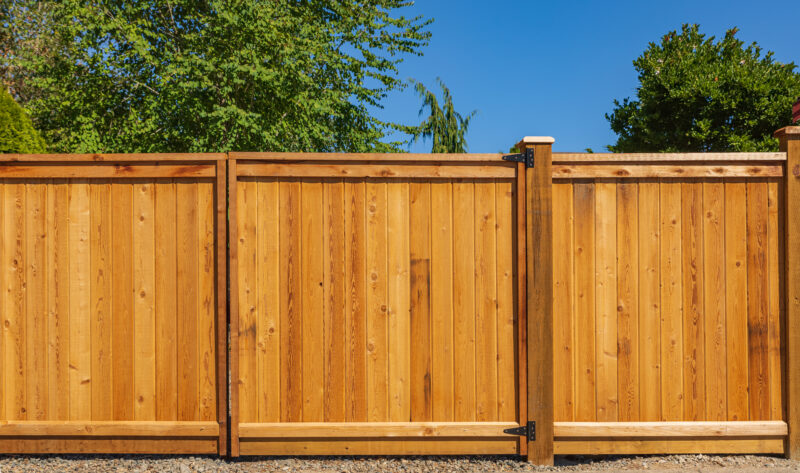
Fence Planning Tools & Apps: The Best Free Online Fence Calculators in 2026
Figuring out how many fence posts you need, what materials to choose, and what the whole project might cost can feel like a lot to sort through all at once.
Fence planning tools and online fence calculators can help you get a rough sense of what you're looking at. They're useful for exploring fence designs, comparing material options, and getting ballpark estimates before you talk to anyone. They won't give you the full picture, but they're a reasonable place to start.
This guide covers some of the better free tools out there, how to get more accurate results from them, and ways to make your calculator research more useful when you're ready to get real quotes.
Fence Planning Tools at a Glance
Free online fence calculators and design apps are useful for exploring styles and getting rough material estimates, but they all assume ideal conditions that rarely match a real yard. Tools like Omni Calculator and Home Depot's Big Hammer Designer are good starting points for early planning. In Columbus, factors like clay soil and slope severity mean the numbers a calculator gives you are a starting point for a contractor conversation, not a final answer.
Why Digital Fence Planners Are a Good Starting Point
If you're early in the process and not quite sure what you want yet, fence design tools can be a nice place to start poking around.
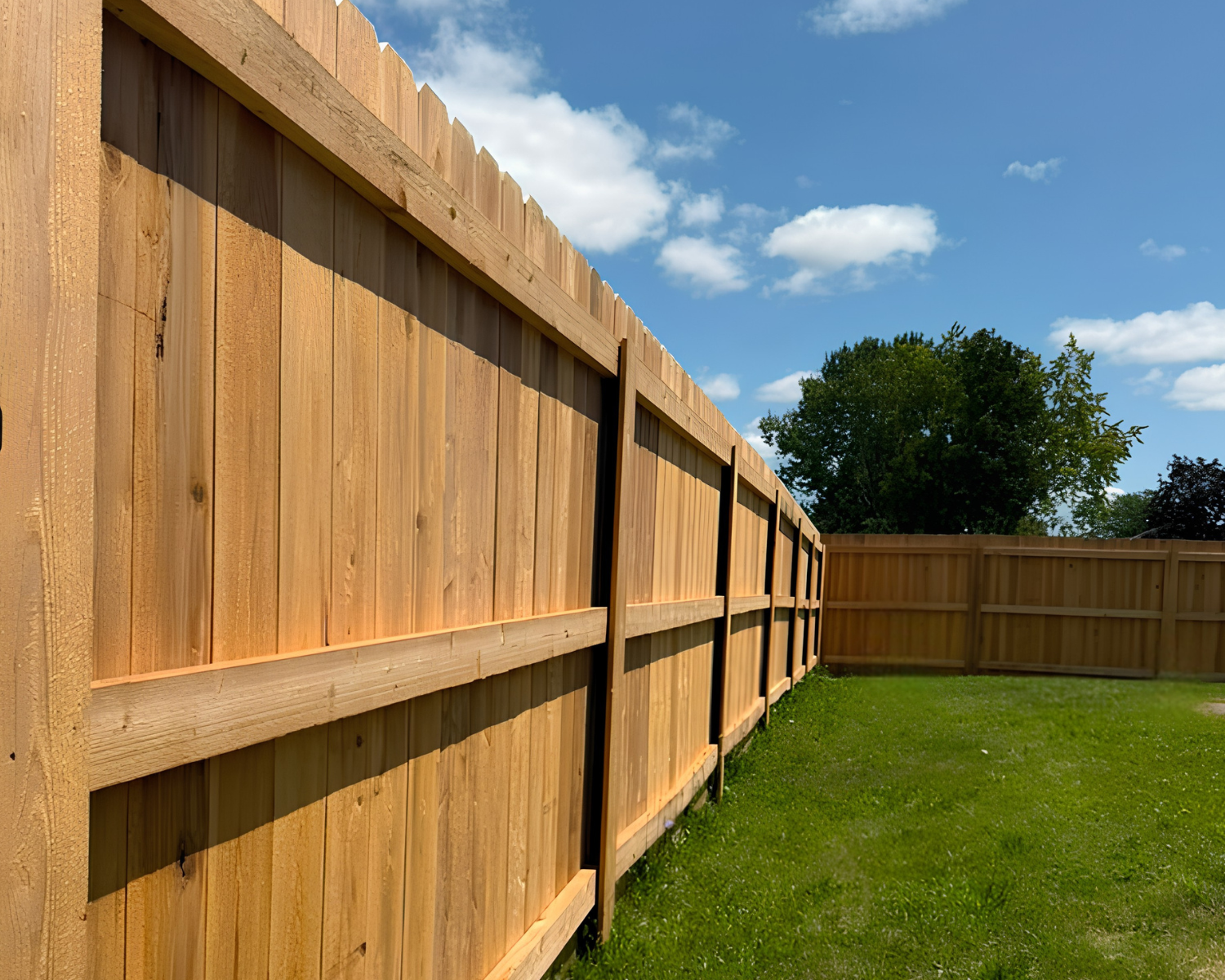
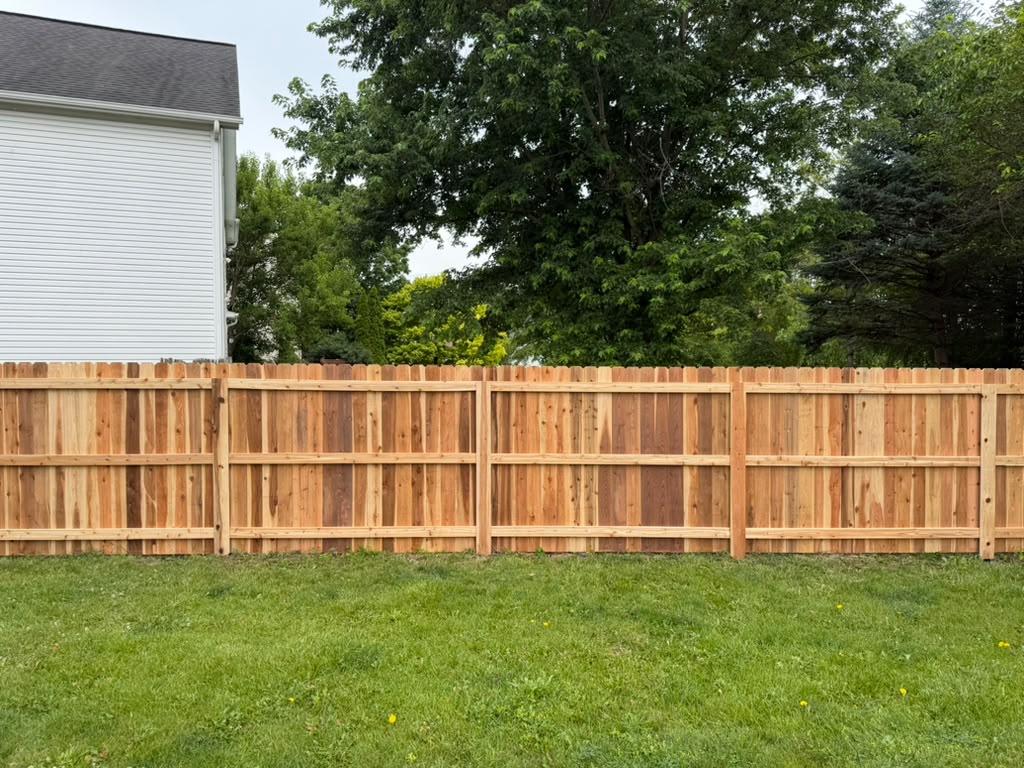
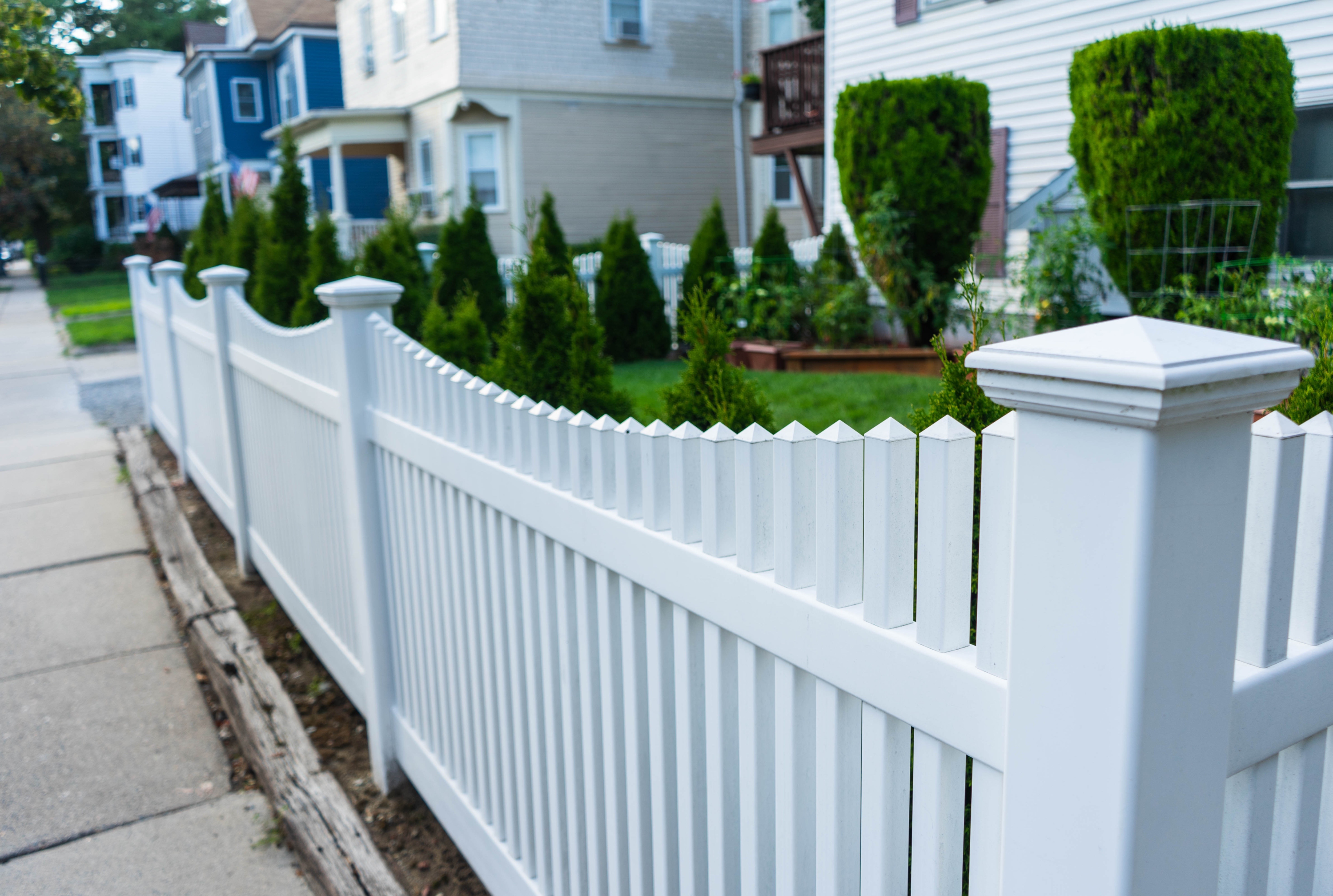
You can see how a 6-foot cedar privacy fence might look next to your house, then swap it out for vinyl picket fencing a few seconds later, all without any pressure or commitment. It's simply a way to get a feel for what's out there.
Online fence planners can also give you a head start before you talk to contractors. If you already know that a 200-foot privacy fence typically needs around 25 posts and 400 pickets, you'll have an easier time following along when someone walks you through a quote.
Think of these tools as a way to explore styles and get rough numbers. They won't tell you everything, but they'll get you oriented.
Best Free Fence Calculator Options
There are a handful of online fence calculators that stand out from the rest. Each one does something a little different, so the right choice depends on what you're looking for.
| Tool |
What It Does |
Best For |
The Catch |
| Home Depot Big Hammer |
Upload photos, overlay fence designs, generate shopping lists with pricing |
Visual mockups tied to actual products |
Needs Microsoft frameworks; crashes on Mac and mobile |
| Omni Calculator |
Simple math for material estimates with clear explanations |
Quick estimates when you know what style you want |
Basic interface, no visuals |
| Inch Calculator |
Detailed breakdowns of post spacing, picket counts, rail quantities |
DIYers who want to understand the math |
No design features |
| Betafence Simulator |
Upload yard photos, position fence styles over your landscape |
Permit applications, HOA submissions |
Tablet app only (iOS/Android) |
| Fence3D |
Fence layout tool with photo overlay, 80+ vinyl and 40+ ornamental options |
Visual people who need to see exactly how it'll look |
Takes more time to learn |
If you just want quick numbers, Omni or Inch Calculator will get you there. If you need to see how things actually look on your property, Big Hammer or Betafence are the better choice.
Paid Apps to Know About
Most homeowners find the free browser-based tools work just fine for planning. But if you're curious, there are a few paid options out there.
ArcSite is more of a professional CAD tool with GPS integration, priced at a monthly subscription. It's really built for contractors, so unless you're doing this kind of work regularly, it's probably more than you need.
iScape has some neat augmented reality features, also available through a monthly subscription. The idea is cool, but users report a lot of crashing, so it can be frustrating to work with.
LandGlide helps you see property boundary lines using GPS, also on a monthly plan. It's handy for getting a general sense of where your property ends, but the accuracy can be off by 10 feet or more. It's not a replacement for an actual survey.
Pricing varies and changes over time, so check the app stores or vendor websites for current rates before committing to any of these.
Getting Accurate Results From Fence Planning Tools
These tools work best when they have good numbers to work with. Taking a few minutes to measure carefully can make a real difference in how useful your estimates turn out to be.
1. Measure Your Property Right
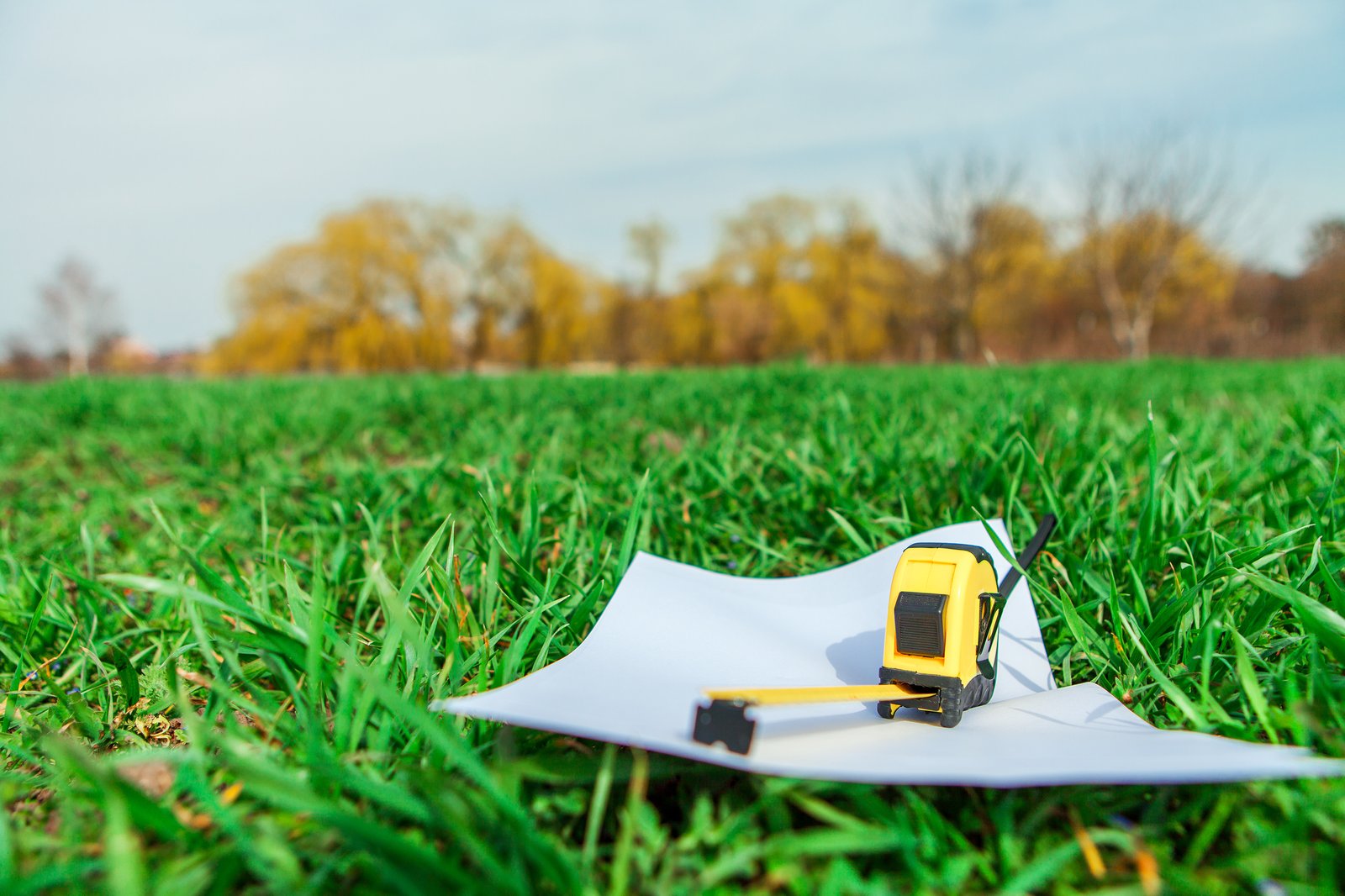
A long tape measure tends to work better than phone apps for this kind of thing. If you can, walk the perimeter and jot down each side separately. While you're out there, it also helps to note:
- Where you're thinking about putting gates and roughly how wide they'd need to be
- How many corners and direction changes you have
- Any spots where the ground slopes or dips noticeably
2. Account for Gates and Corners
Gates and corner posts need a bit more reinforcement than a straight run of fencing, and most calculators don't always capture that. If the tool you're using doesn't ask about gates specifically, adding those in manually gets your estimate closer to reality.
Corners are similar. A calculator might say you need 25 posts, but if you've got several corners, some of those will likely need to be sturdier 6x6 posts rather than standard 4x4s. It's a small detail, but it can affect your materials and budget.
3. Check Your Boundaries
Most calculators assume you already know where your property lines are. If there's any uncertainty there, looking into a survey before getting too far into planning is a smart move. A fence that ends up a few inches onto a neighbor's property can create complications down the road, and it's easier to sort that out early.
4. A Note on Utilities
Before any digging happens, it's a good idea to call 811 and have your utility lines marked. The service is free, and it's actually required before breaking ground. During the planning phase, it's just helpful to keep in mind that buried lines could affect where some of your posts end up going.
Turning Calculator Results Into Contractor Conversations
All that calculator research you did isn't just for your own planning. It can actually make your conversations with contractors go a lot smoother.
What to Bring to a Quote Request
If you've already spent time with a fence planning tool, you're ahead of the game. When you reach out for quotes, it helps to have:
- Your property measurements and total linear footage
- Any saved designs or screenshots from the tools you used
- A sense of what materials and height you're leaning toward
- Gate locations and rough widths
- Any concerns you have about your property, like slopes or tight access
You don't need to have everything figured out. Even partial info gives a contractor something to work with.
When Calculator Numbers Don't Match the Quote
It's pretty common for a contractor's quote to come in different from what a calculator estimated. That doesn't mean something's wrong. It usually just means the contractor is seeing things the tool couldn't.
If you're curious about the difference, it's totally fine to ask. Something like:
- "I had estimated around 28 posts. Your quote shows 32. Can you help me understand the difference?"
- "The calculator said I'd need about 380 pickets, but you're showing 420. Is that a buffer, or did I miss something?"
- "I noticed the gate is priced separately. Is that typical?"
These kinds of questions aren't awkward. Most contractors appreciate working with someone who's done a little homework.
If Multiple Quotes Come in Higher Than Expected
If you're hearing similar numbers from a few different contractors and they're all above your calculator estimate, that's usually a sign your property has something going on that the tools couldn't account for. It happens, and it's not a red flag. Calculators assume ideal conditions, and most yards aren't quite that simple.
A Quick Checklist Before You Start
- Measure twice, calculate once. Walking the perimeter with a tape measure beats any phone app or satellite estimate.
- Don't forget the gates. Every gate needs reinforced posts and hardware. Budget for them separately.
- Add a material buffer. Calculators estimate ideal conditions. Adding 10-15% extra materials accounts for real-world surprises.
- Save your work. Keep screenshots and saved designs to share with contractors and compare quotes.
- Call 811 before digging. Free utility marking prevents disasters during installation.
Fence Planning Tools FAQs
How accurate are online fence calculators?
They're pretty good for getting a general sense of materials and costs, especially if your property is fairly flat and your measurements are accurate. They won't be exact, but for early planning and budgeting, they'll usually get you in the right ballpark.
Can I plan my fence using a mobile app?
You can, though the experience varies. Some fence building apps like iScape offer augmented reality features that are fun to play with, and LandGlide can give you a rough idea of where your property lines are. That said, browser-based tools tend to be a bit more reliable if you're trying to do detailed planning.
Do these planning tools cost money?
A lot of them are free. Omni Calculator, Inch Calculator, and the Home Depot tool don't cost anything to use. Some of the more advanced apps do require monthly subscriptions, but most homeowners won't need those for basic planning.
What helps make fence calculator estimates more accurate?
Careful measurements make the biggest difference. If you can walk your property with a tape measure and note things like gates, corners, and slopes, you'll get much more useful numbers out of the tools. Running your info through a couple different calculators can also help you spot any big discrepancies.
Should I get professional quotes even if I'm planning to DIY?
It's not a bad idea. Talking to a contractor or two can help you understand what's actually involved in your project. They might notice things you hadn't thought of. And even if you end up doing the work yourself, having a sense of what it would cost professionally gives you a useful point of comparison.
What Fence Boys Recommends for Columbus Homeowners
We don't offer our own fence planning app or calculator, and that's intentional. Every one of these tools makes assumptions about flat ground, standard soil, and precise measurements that don't hold up on most Columbus properties. Clay soil, slopes, mature trees, and property line questions are all things a screen can't evaluate, no matter how good the visualization looks.
Our recommendation is to use these tools for exactly what they're good at: exploring styles, getting a rough sense of materials, and walking into a contractor conversation a little more prepared. Once you've done that, a free in-person consultation will always give you a more accurate picture than any calculator, because we're standing on your actual property, not estimating from a photo.
If your calculator numbers come back different from our quote, we're happy to walk through why. It's usually not a mistake on either end. It just means we're seeing something the tool couldn't.
Making the Most of Your Planning Work
If you've made it this far, you're already in good shape. Spending a little time with fence planning tools before reaching out for quotes can make the whole process feel a lot less overwhelming.
You don't need to have everything figured out. Just getting familiar with the basics, like how post spacing works or what different materials might cost, puts you in a better position to have real conversations with contractors and feel confident about the quotes you're getting.
These tools won't give you the full picture, but they're a genuinely useful starting point. And when you're ready to take the next step, you'll have a much clearer sense of what you're looking for.
See How Your Estimates Compare to Real Pricing
Fence Boys offers free consultations for Columbus homeowners. Bring your measurements and we'll walk through it together.
Get a Free Quote



.jpg)
.jpeg)
.jpg)








.jpeg)